Create a Social Media Influencer with Adkeet
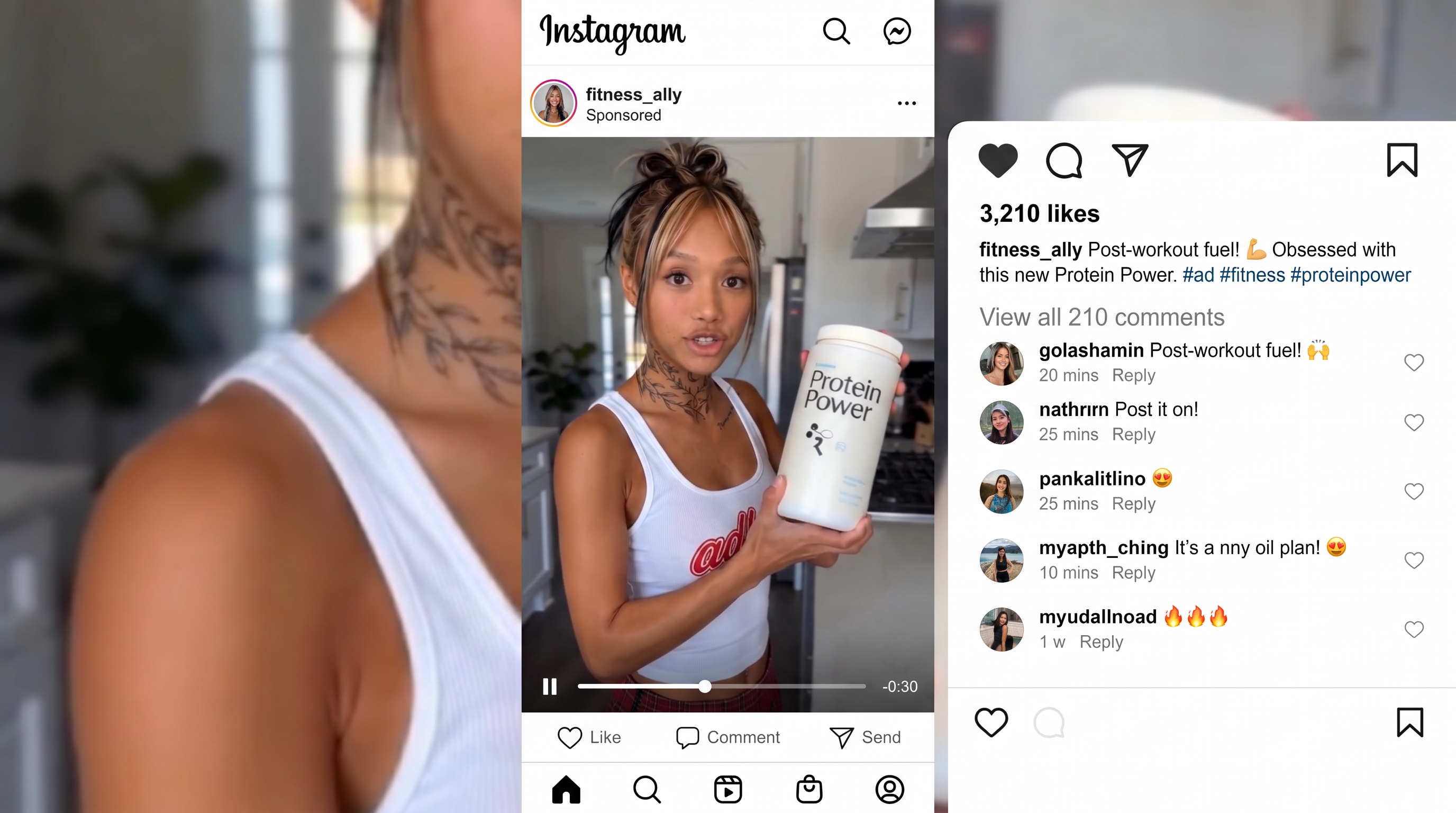
Build a consistent AI influencer, then use templates to generate scroll-stopping content in minutes.
Step 1: Create your influencer
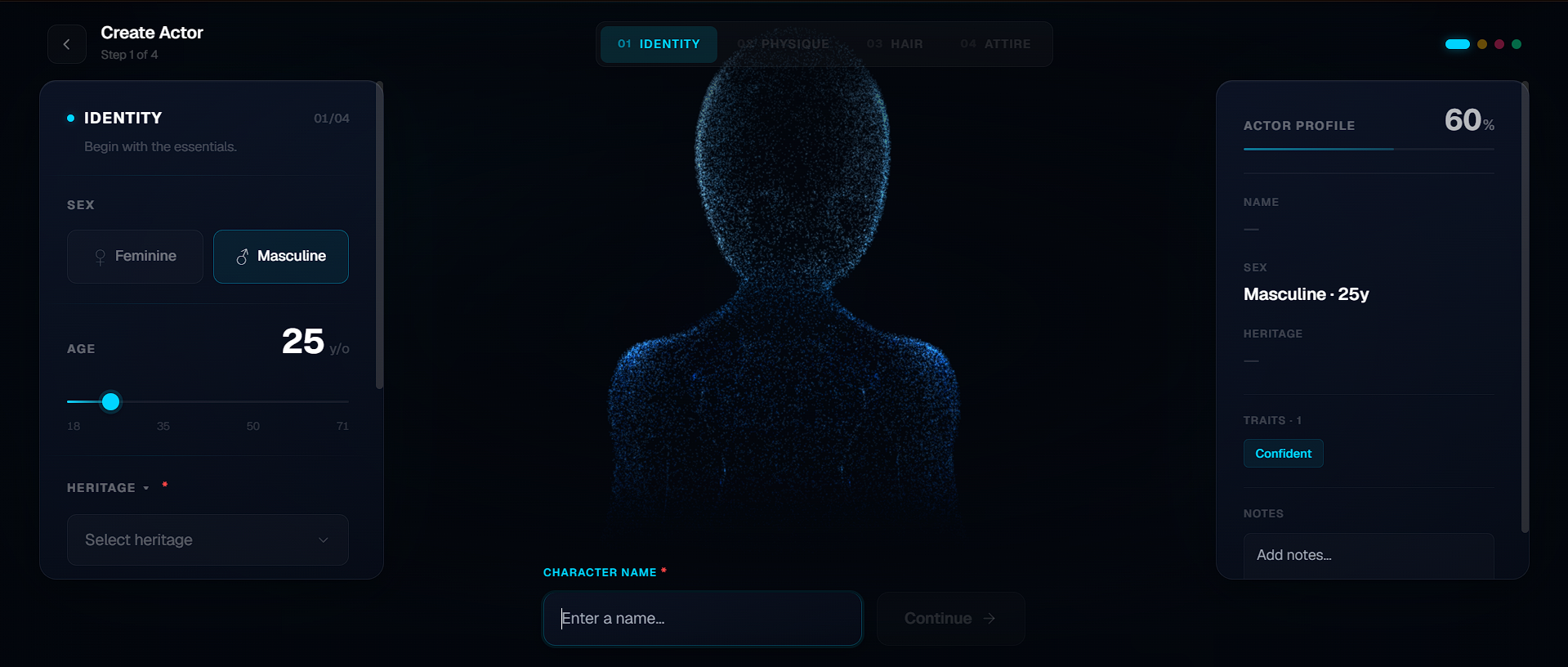
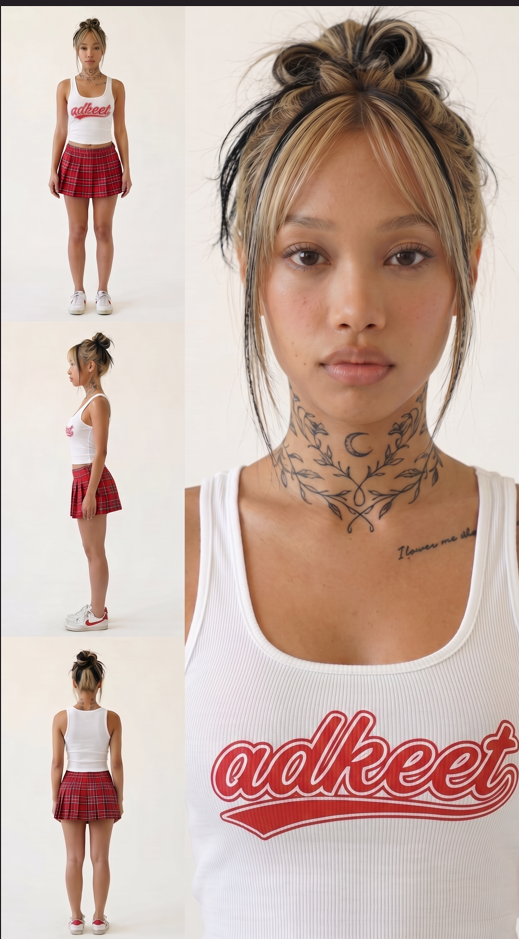
Start by creating your influencer inside the Actor Creator. Choose the look, style, and personality you want, then generate the actor so Adkeet can use it consistently across all of your content.
Step 2: Use premade templates
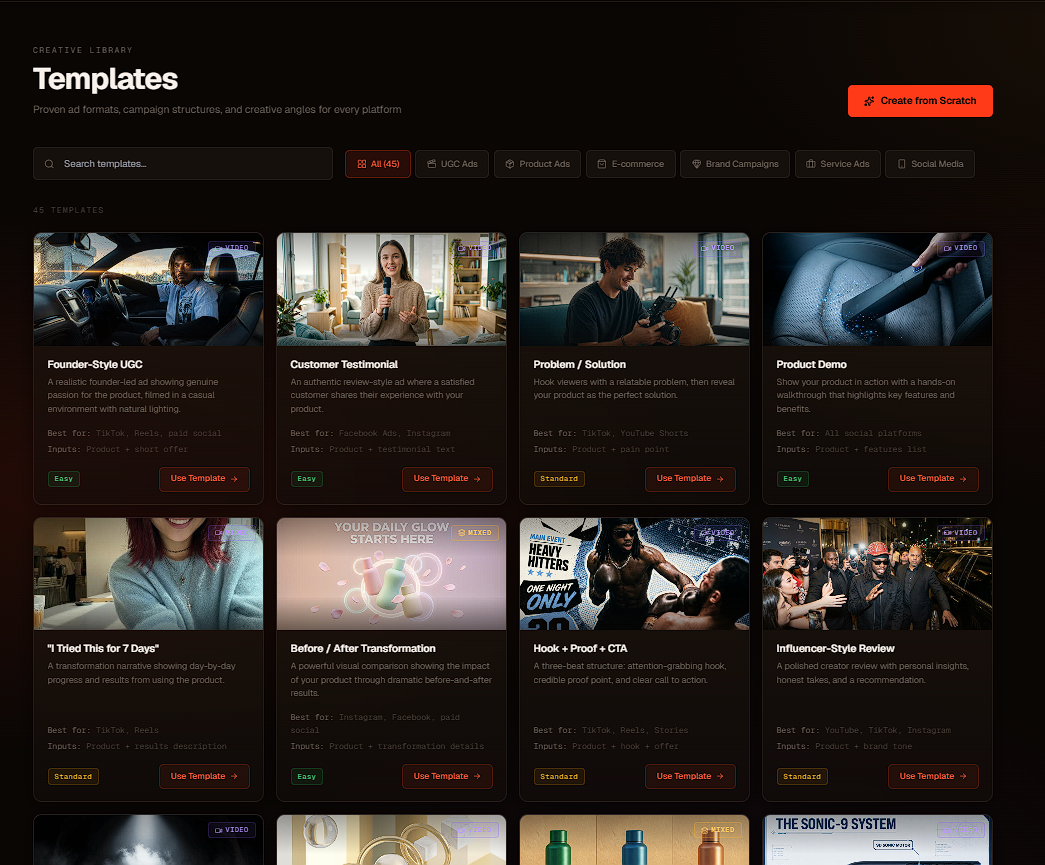
Don't waste time manually prompting from scratch. Use Adkeet's premade templates to quickly produce more content, test more angles, and move faster.
Step 3: Configure your video and generate
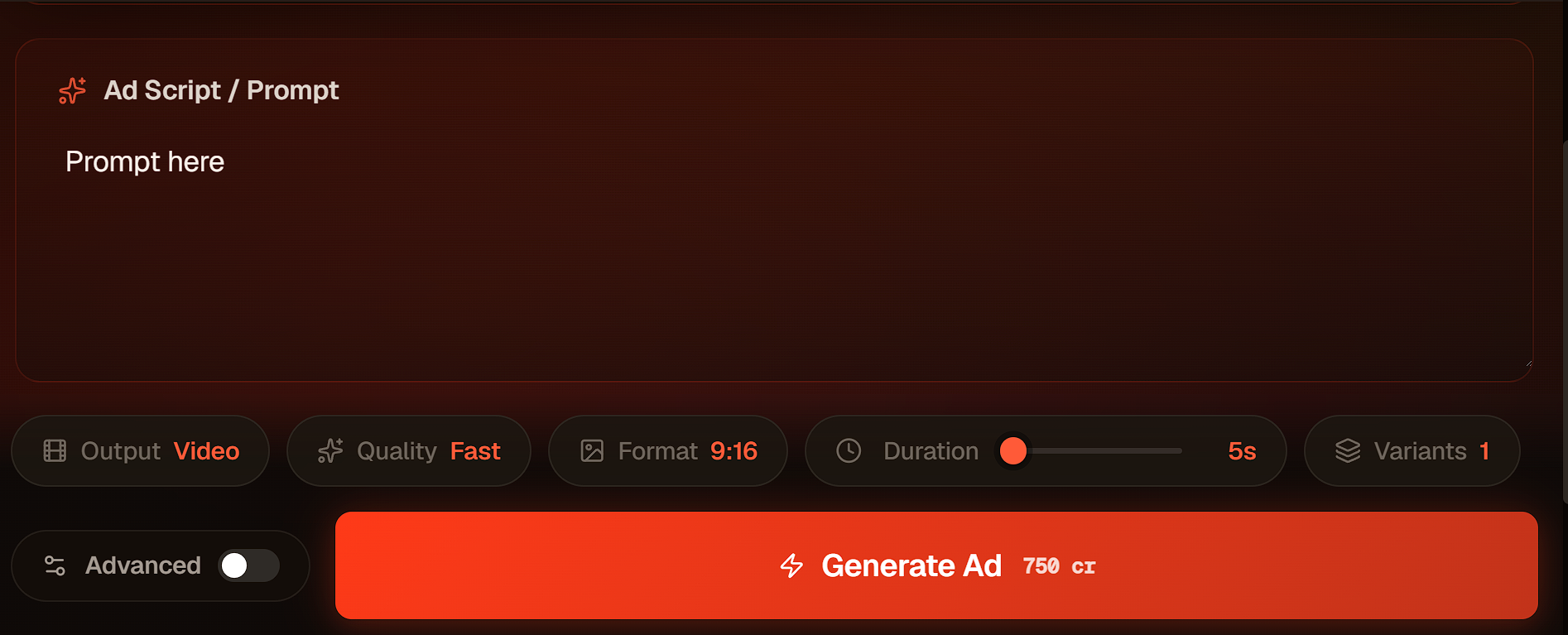
Choose how you want the video to look, add your actor or product, adjust the prompt, then click generate. Adkeet creates the content and saves it to your project gallery.
Step 4: Upload and test what goes viral
Download or export your generated content, upload it to your social platforms, and keep testing new hooks, styles, and templates until you find what performs best.
Ready to create your first AI influencer?
Start with an actor, choose a template, and generate content in minutes.