How to Create Cinematic AI Videos Without a Film Crew
How to get a film-quality look — camera movement, dramatic lighting, filmic grade — with no crew or gear, by speaking filmmaking language in your prompts and planning the sequence before you generate.
To get a cinematic look without a crew, speak filmmaking language in your prompt — name the shot, the camera move, the lens and the light — and plan the sequence before you generate. A cinematic model understands "dolly in," "shallow depth of field" and "golden hour"; the more filmic your direction, the more filmic the result. Adkeet's Cinematic Engine Studio is built for exactly this.
Key takeaways
- Cinematic quality comes from filmmaking language, not more adjectives.
- Name the shot type, camera move, lens/depth of field, and lighting.
- Plan the shot sequence — disconnected clips read as a tech demo, not a film.
- Chain shots with continuity so the camera and world stay coherent.
- Let Enhance translate a plain idea into full cinematic direction.
Speak the camera's language
Cinematic models are trained on filmmaking terms. Use them: shot type (wide, medium, close-up), movement (dolly in, orbit, tilt up, tracking follow), lens and depth (shallow depth of field, 35mm), and light (golden hour, low-key, hard rim light). Vague prompts get flat results; filmic direction gets filmic shots. Details in How to Write Better AI Video Prompts.
Plan the sequence, don't just prompt clips
Jumping straight into generation produces impressive but disconnected clips — a demo reel, not a film. Decide the order of shots and how the camera and story progress first, so each shot has a job. A quick storyboard is the difference between a sequence and a scrapbook.
Keep the world consistent
A crew keeps continuity by re-lighting and re-blocking the same set and cast. You do it with locked references: build your cast once and reuse it, and chain shots with continuity frames so lighting, pose and identity carry across cuts.
Let Enhance direct for you
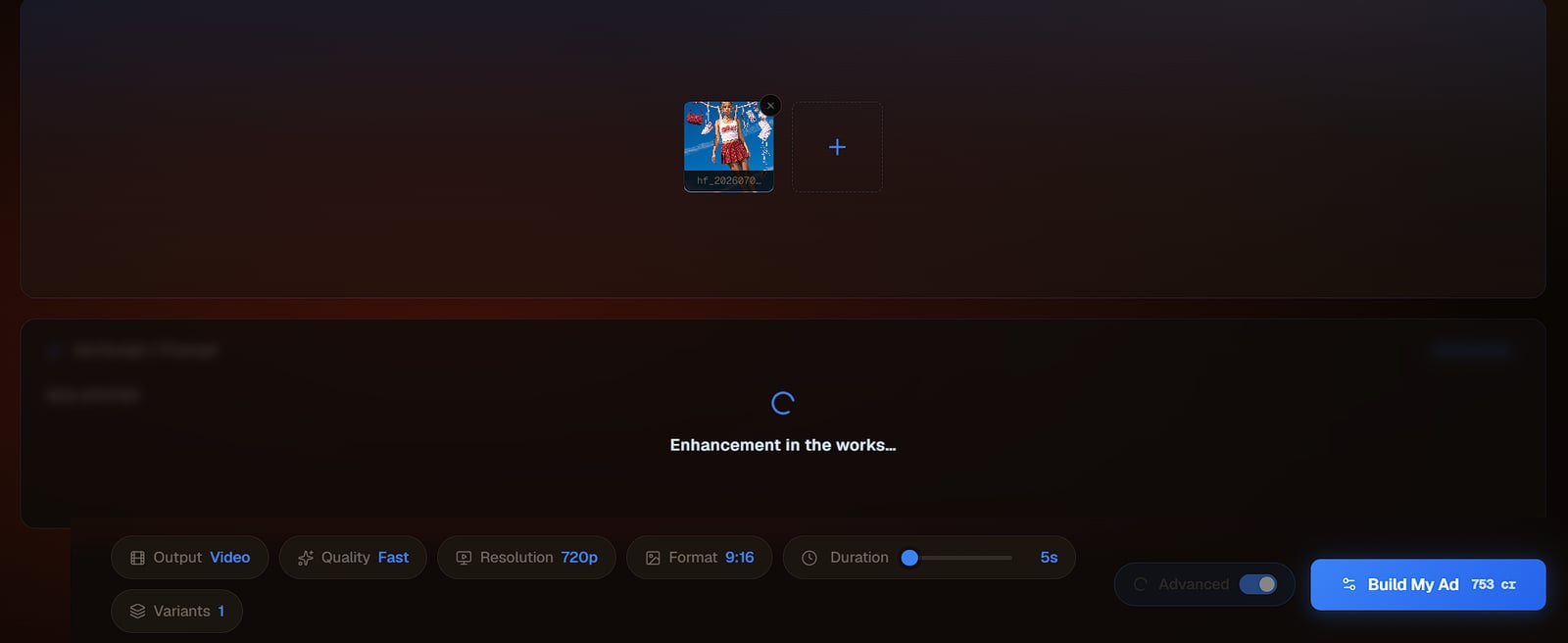
If you don't yet think in lenses and lighting, write the plain idea and press Enhance — it rewrites your line into full cinematic direction. Reading its output is also the fastest way to learn the language of the shot.
Limitations & common mistakes
- "Cinematic" prompts guide the look but don't guarantee it — verify each shot and regenerate misses.
- Very complex camera moves through geometry (long unbroken travelling shots) are still unreliable.
- Consistency across many shots needs locked references + continuity frames, not prompt wording alone.
- A film-quality look still needs a film-quality edit — pacing and sound carry as much as the shots.
Frequently asked questions
Can you make cinematic videos with AI and no crew?
Yes. Cinematic AI models understand filmmaking language — shot types, camera moves, lenses and lighting — so directing with those terms, plus planning the shot sequence, produces a film-quality look with no crew or gear.
What makes an AI video look cinematic?
Specific camera and light direction: a named shot type, a deliberate camera move, shallow depth of field, and intentional lighting like golden hour or low-key — plus a planned sequence so shots connect.
Why do my AI clips feel like a tech demo?
Usually because they were generated without a plan. Disconnected clips have no narrative flow or camera continuity; storyboard the sequence first so each shot has a purpose.
Sources & further reading
- How To Make Cinematic Video with AI — Imagine.art
- AI Filmmaking: The Complete Guide Hub — ScreenWeaver
Written by
Adkeet Team · AI Creative StudioThe Adkeet team builds AI filmmaking and advertising tools — the Actor Creator and the Cinematic Engine Studio. These guides come from workflows we run inside the product every day.
Related tutorials
Shoot cinematic — no crew required
Direct in filmmaking language, plan the sequence, and generate in the studio.