AI Creative Studio
Adkeet Team
The Adkeet team builds AI filmmaking and advertising tools — the Actor Creator and the Cinematic Engine Studio. These guides come from workflows we run inside the product every day.
This is a placeholder author profile — replace with a named author before publishing widely.
Articles
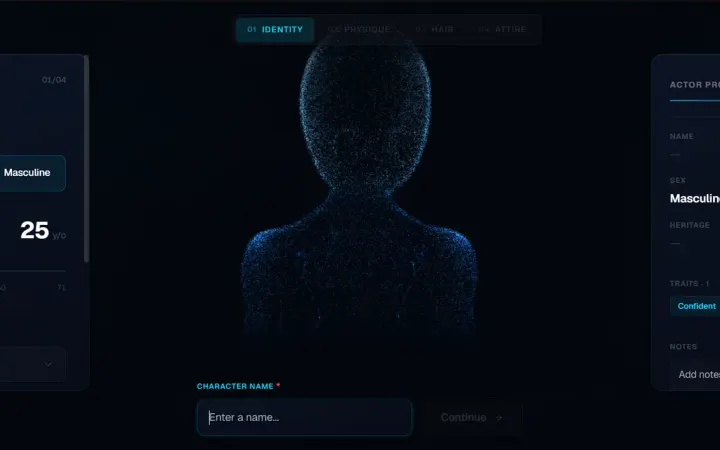
How to Create Consistent AI Characters Across Multiple Scenes
The reliable way to keep the same AI character — same face, hair, body and wardrobe — across every shot of a video or campaign, using a locked reference identity and an image-to-video workflow.
View tutorial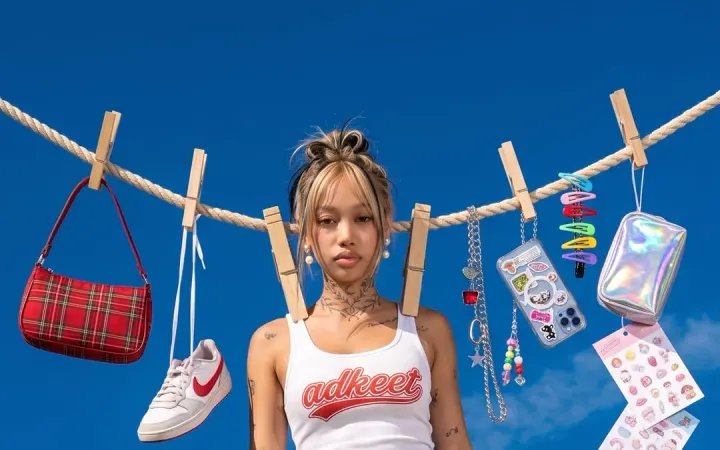
How to Turn a Product Photo Into an AI Video Advertisement
A start-to-finish workflow for turning a single product photo into a natural, scroll-stopping AI video ad — upload, enhance the prompt, generate, and export a vertical cut ready for TikTok and Reels.
View tutorial
How to Write Better AI Video Prompts
A repeatable structure for AI video prompts — subject, action, setting, camera and audio — plus the specifics that matter, the mistakes that flatten a shot, and how to let Enhance do the heavy lifting.
View tutorial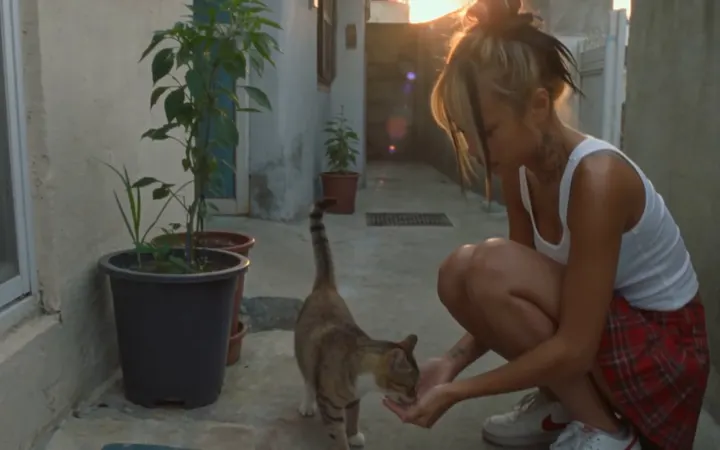
How to Make AI UGC Ads That Look Natural
The techniques that stop an AI UGC ad from reading as AI — prompting for imperfection, the anti-script rewrite, real environments, and a consistent creator — so it feels like a genuine recommendation.
View tutorialHow to Storyboard an AI Film Before Generating It
Why the storyboard is your approval layer in AI filmmaking — break down the script, lock character and location references, board every shot, run a continuity pass, then generate with confidence.
View tutorialHow to Create an AI Actor for Videos and Advertisements
How to build a reusable AI actor — a locked visual identity you can place in unlimited videos and ads — so the same face carries every shot and every campaign without casting, studios or reshoots.
View tutorialHow to Make an AI Film: A Complete Start-to-Finish Workflow
The full AI filmmaking pipeline — script and shot list, locked cast, storyboard, shot-by-shot generation with continuity, then edit and export — treated as a controlled production, not a lucky prompt.
View tutorialHow to Create Cinematic AI Videos Without a Film Crew
How to get a film-quality look — camera movement, dramatic lighting, filmic grade — with no crew or gear, by speaking filmmaking language in your prompts and planning the sequence before you generate.
View tutorialHow to Make AI Product Photography for E-Commerce
Turn a plain product photo into clean catalog shots and lifestyle scenes with AI — start from a good source image, prompt the environment and light, and keep the product accurate across a whole catalog.
View tutorial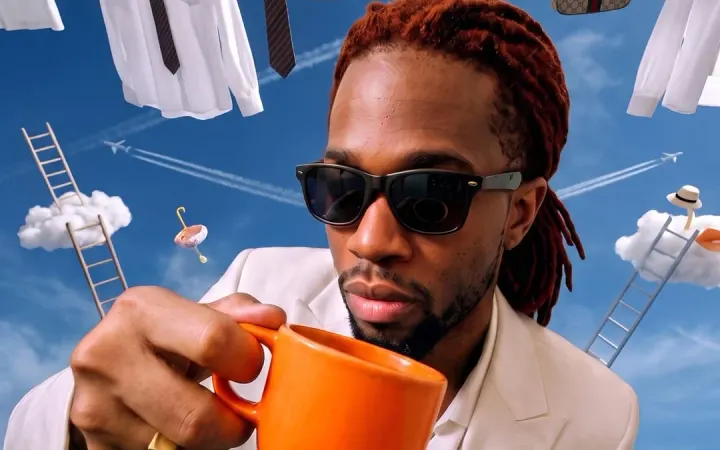
How to Create an AI Commercial From Home
A home workflow for a real commercial — pick a consistent spokesperson, upload your product, direct the ad with Enhance, generate, and export a vertical cut — with no studio, crew or camera.
View tutorialHow to Create Scroll-Stopping Video Ads With AI
How to win the first three seconds — hook, vertical format, a problem-to-solution structure and a consistent creator — and use AI to test enough variations to actually find what stops the scroll.
View tutorialAI Video vs Traditional Video Production: Cost, Speed and Control
An honest comparison of AI and traditional video across cost, speed, control and scale — where each wins, where AI still falls short, and why a hybrid approach is often the right call.
View tutorial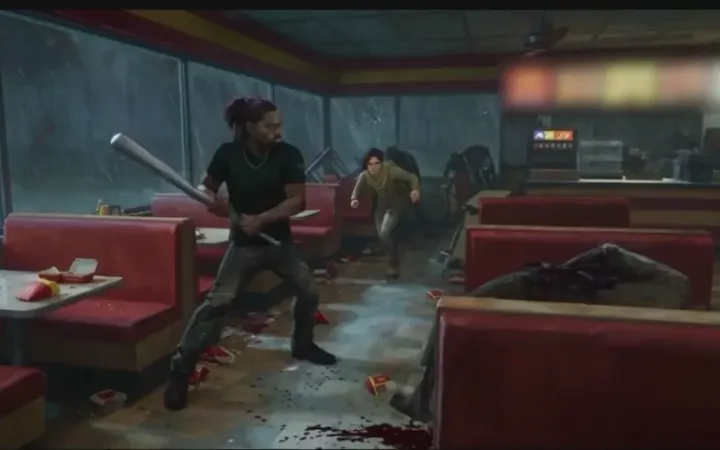
How to Make an AI Zombie Short Film
Build a post-outbreak horror short with AI — lock the film look once, cast a survivor who stays the same person in every shot, then write the day scene by scene in the editor.
View tutorial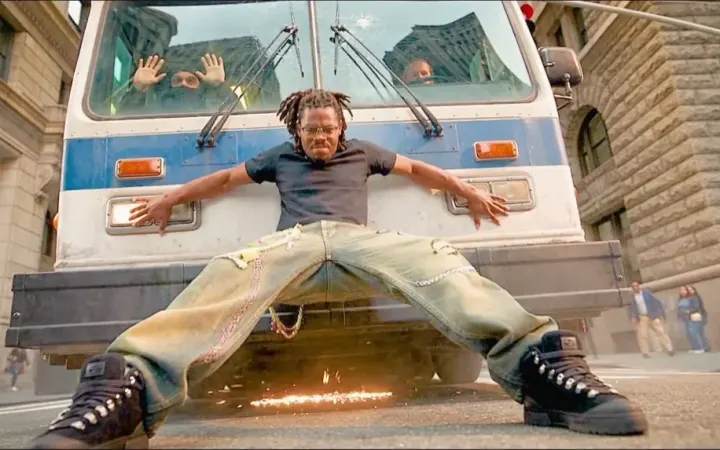
How to Make an AI Superhero Short Film
Put your own face in the suit, write the power moment as one action, and push a shot past its own length with the Director Board — plus the one edit that makes a hero scene land without any more spectacle.
View tutorial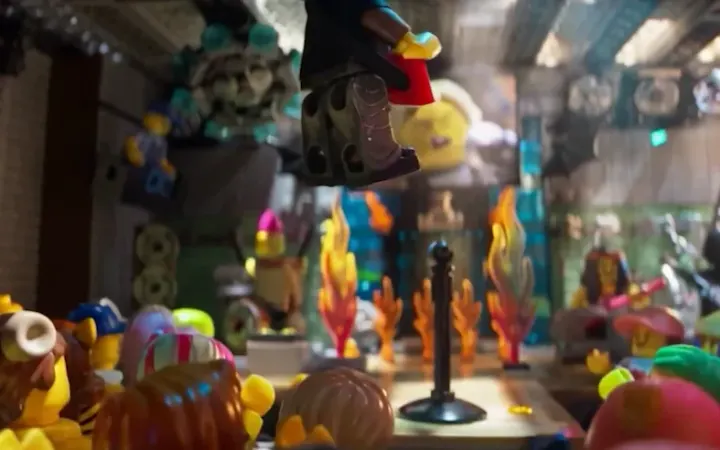
How to Make a LEGO-Style AI Short Film
Set the brick look once with reference images, drop in a real photo to get a minifigure version of yourself, then direct scenes that all come out of the same toy box — and push the timeline past a single generation.
View tutorialTurn a Story Into AI Video Shots With Story Builder
Write your story in plain words, give your characters, objects and places a photo, let Story Builder plan every shot and write its prompt, check the plan as a pencil storyboard, then put the shots on your timeline and generate them.
View tutorial