How to Create an AI Commercial From Home
A home workflow for a real commercial — pick a consistent spokesperson, upload your product, direct the ad with Enhance, generate, and export a vertical cut — with no studio, crew or camera.
To make a commercial from home, pick a consistent AI actor as your spokesperson, upload your product into the Adkeet editor, write the ad idea in one line and press Enhance to turn it into a cinematic brief, then generate and export a vertical cut. No studio, no crew, no camera — the whole shoot runs on your laptop.
Key takeaways
- A consistent spokesperson makes it a campaign, not a one-off clip.
- Upload the real product so the ad shows what you actually sell.
- Write the lazy one-line idea; let Enhance build the cinematic direction.
- Export 9:16 vertical with the hook in the first three seconds.
- Test several hooks against the same product to find the winner.
Step 1 — Cast a consistent spokesperson
Build or pick a locked AI actor so the same face presents your product across this commercial and the next. Consistency is what turns ads into a recognizable brand — the method in How to Create an AI Actor for Videos and Advertisements.
Step 2 — Upload your product and direct the ad
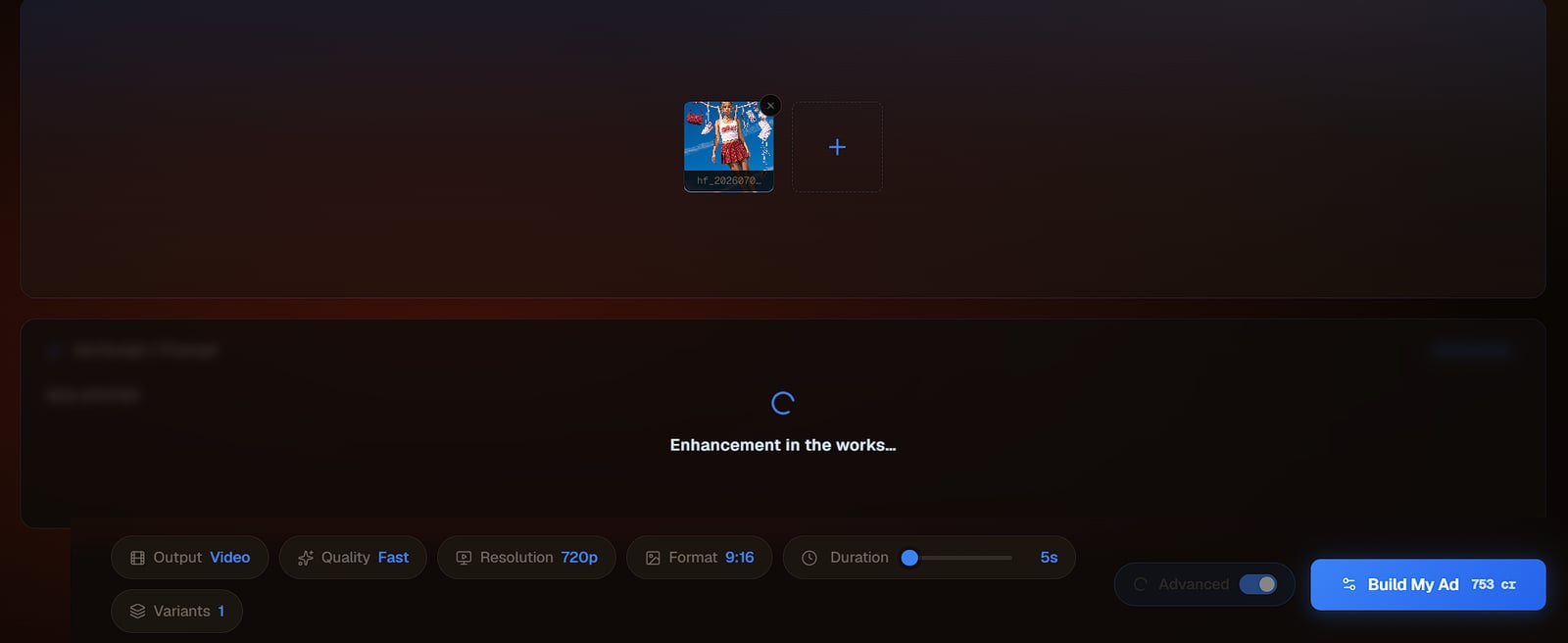
Drop your product into the Adkeet editor, write the simplest version of the ad — "my bottle on a kitchen counter, she picks it up and smiles" — and press Enhance to expand it into a full cinematic prompt. You bring the intent; Enhance brings the craft.
Step 3 — Choose your register: polished or UGC
Decide the feel. For a glossy brand spot, direct cinematic lighting and camera. For a native-feed ad, go handheld and candid — the natural UGC approach converts because it looks like a recommendation, not a commercial.
Step 4 — Generate and export vertical
Generate, review, then export a 9:16 vertical cut with the hook up front. Run a few hook variations against the same product and keep the one that holds attention longest.

Limitations & common mistakes
- Never claim product results or benefits the product can't back up — AI production doesn't change advertising standards.
- Spoken dialogue and precise lip-sync are still hard; plan voice in the edit if the ad needs a script.
- Small on-pack text and logos can render imperfectly — verify them before publishing.
- Review each ad platform's policy and disclosure rules for AI-generated creative before running paid.
Frequently asked questions
Can I make a commercial with AI at home?
Yes. Pick a consistent AI spokesperson, upload your product, write the ad idea in one line and use Enhance to expand it into a cinematic prompt, then generate and export a vertical cut — no studio, crew or camera.
How do I keep the same spokesperson across ads?
Use a locked AI actor built once from multiple angles, then reuse that identity in every ad so the same face carries the whole campaign.
Should an AI commercial be polished or UGC-style?
Both work for different placements — a polished cinematic spot for brand, a handheld UGC-style ad for native feeds. UGC-style tends to convert in social feeds because it reads as a recommendation.
Sources & further reading
- Make UGC Ads with AI — invideo
- AI Actors for UGC & Video Ads — CreatorKit
Written by
Adkeet Team · AI Creative StudioThe Adkeet team builds AI filmmaking and advertising tools — the Actor Creator and the Cinematic Engine Studio. These guides come from workflows we run inside the product every day.
Related tutorials
Make your commercial from home
Cast a spokesperson, upload your product, and let Enhance direct the ad.