How to Turn a Product Photo Into an AI Video Advertisement
A start-to-finish workflow for turning a single product photo into a natural, scroll-stopping AI video ad — upload, enhance the prompt, generate, and export a vertical cut ready for TikTok and Reels.
To turn a product photo into a video ad, upload the photo into the Adkeet editor, describe the scene you want in one plain sentence, let Enhance rewrite it into a full cinematic prompt, then generate and export a vertical cut. The product stays recognizable because it is pinned from your uploaded image — you are directing the world around it, not re-drawing the product.
Key takeaways
- Start from the real product photo so the product in the ad matches what you actually sell.
- You don't need prompt-engineering skill — write the lazy one-line idea and let Enhance expand it.
- The most 'natural' ads use an imperfect, handheld, UGC-style camera, not glossy studio polish.
- Export 9:16 vertical with the hook in the first 3 seconds for feed-native placement.
- Keep the same AI actor if a person holds the product, so the spokesperson is consistent.
Step 1 — Upload the product photo
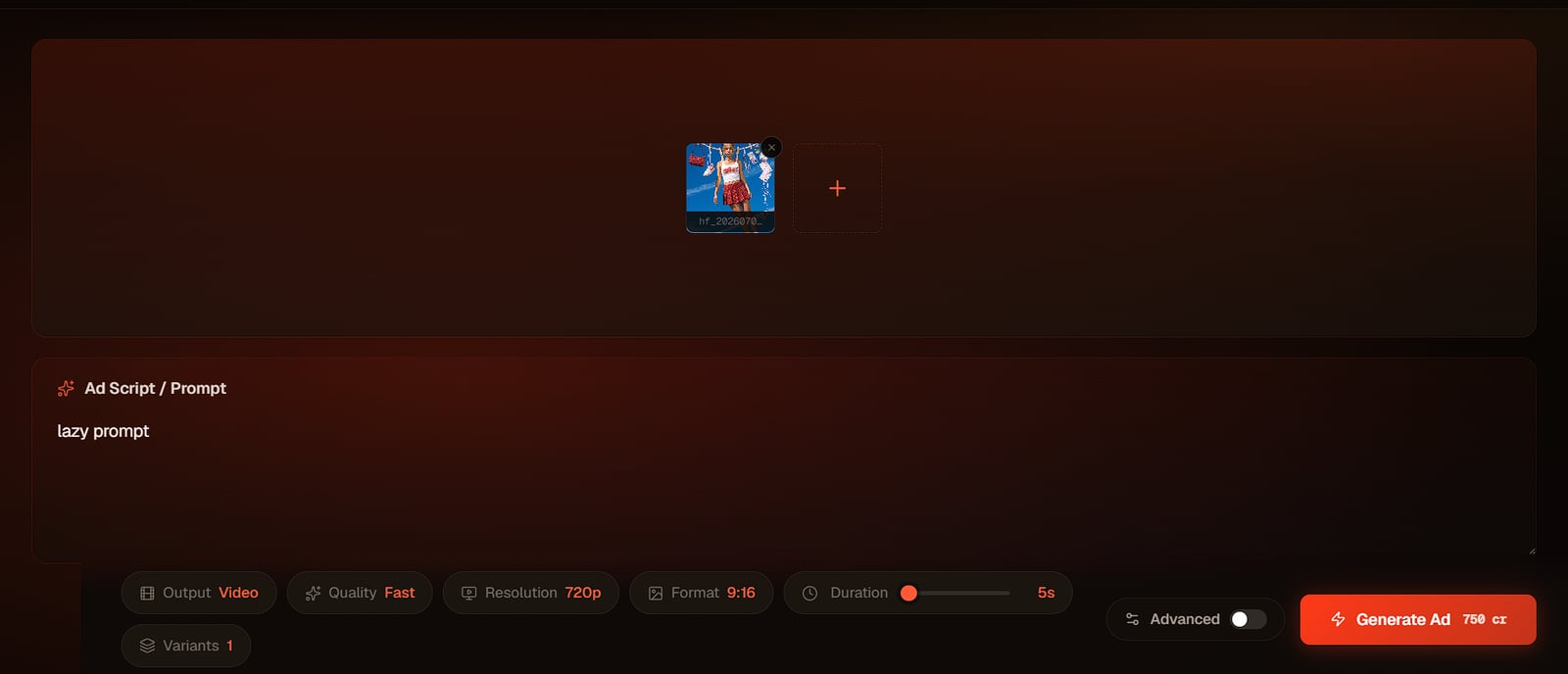
Open the Adkeet editor and drop your product image into the media box. This is what keeps the ad honest: the model builds the scene around your product rather than inventing a generic stand-in, so the bottle, garment or gadget in the video is the one customers will receive.
Step 2 — Write the laziest prompt, then Enhance it
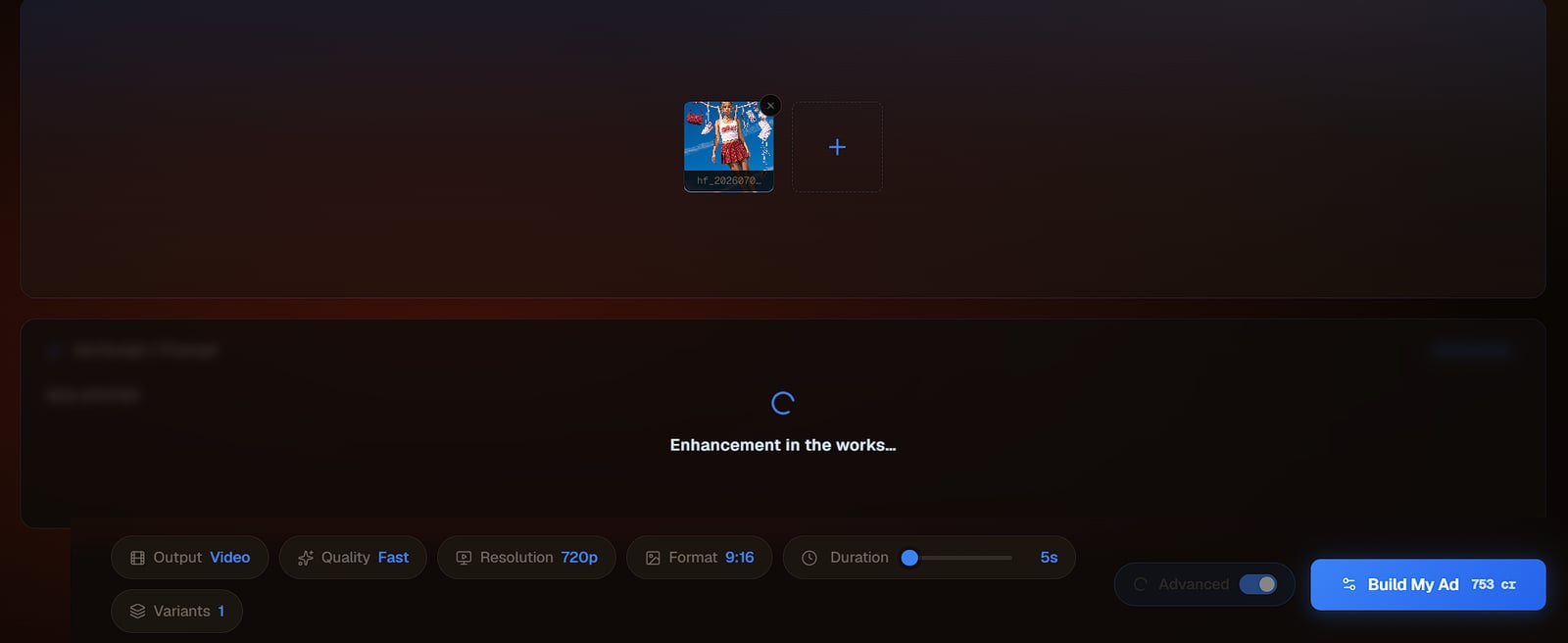
Type the simplest version of your idea — *"my bag on a model walking through a city at golden hour"* — and press Enhance. Enhance rewrites that one line into a full cinematic brief: lighting, lens, composition, wardrobe and camera movement, the way a creative director would. You supply the intent; the tool supplies the craft.
Make it feel natural, not staged
UGC-style ads convert because they read like a recommendation, not a commercial. Ask for an imperfect handheld camera, natural light and candid action — the same imperfect-camera trick in the Ultra Realistic AI Video Guide. Flaws (slight shake, autofocus hunting) are what make footage read as real.
Step 3 — Add a consistent spokesperson (optional)
If a person presents the product, use a locked AI actor so the same face carries the whole campaign — and across future ads too. Consistency is what turns a one-off clip into a recognizable brand character. The full method is in How to Create Consistent AI Characters Across Multiple Scenes.
Step 4 — Generate, then export a vertical cut
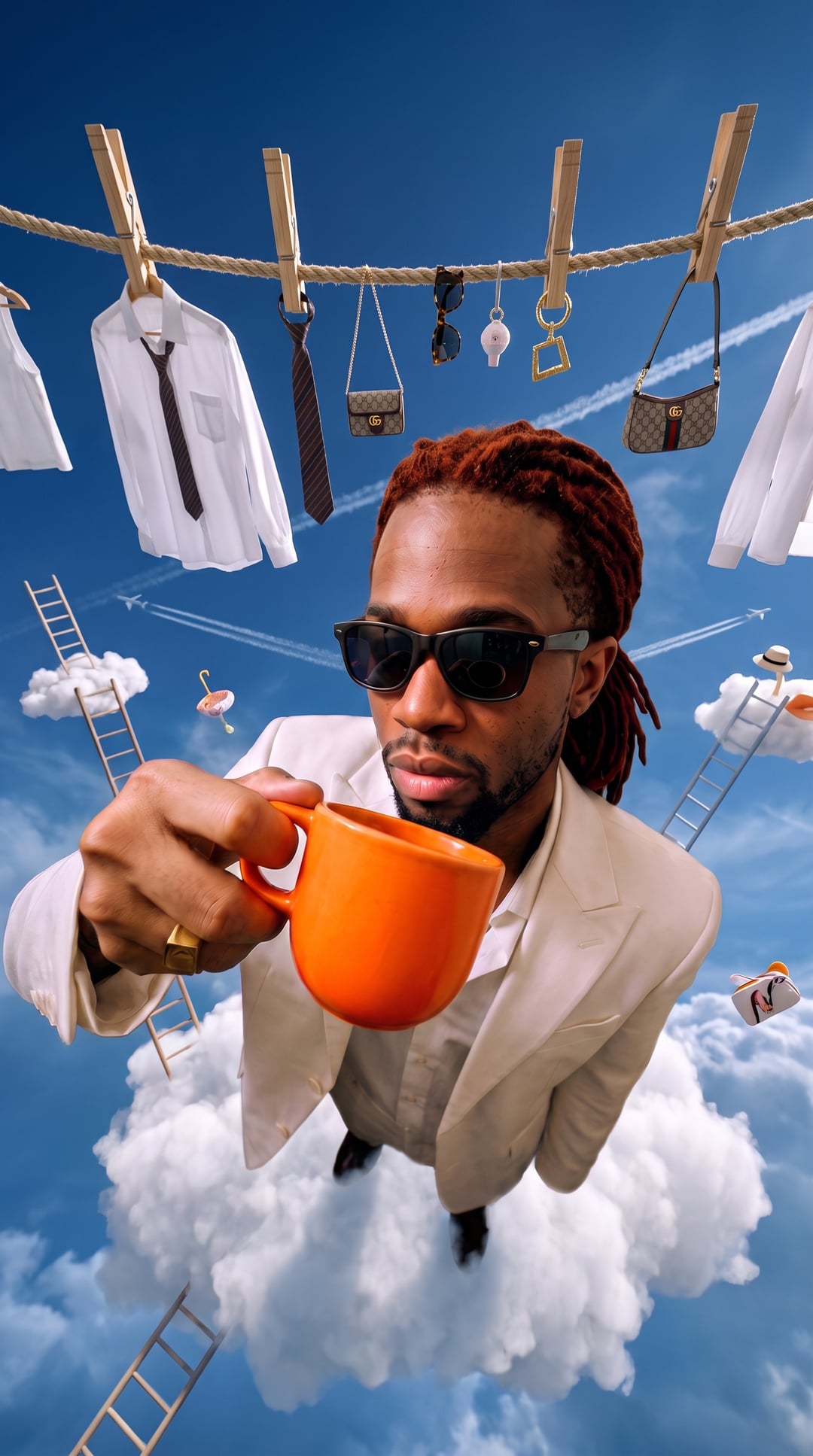
Generate the video and review it. When you're happy, export a 9:16 vertical cut so it sits native in TikTok, Reels and Shorts feeds, and make sure the strongest visual — the hook — lands in the first three seconds, before a thumb scrolls past. Test several hooks against the same product to find the one that holds attention.
Limitations & common mistakes
- Tiny product text and logos can render imperfectly — keep critical label copy out of tight close-ups, or add it in edit.
- Reflective or transparent products (glass, chrome) are the hardest to keep accurate; give the model a clean, well-lit source photo.
- AI ads are creative material, not a substitute for real product claims — never state performance results the product can't back up.
- Platform ad policies vary; review each network's rules before running AI-generated creative as paid ads.
Frequently asked questions
Can I turn one product photo into a video ad?
Yes. Upload the product photo into the Adkeet editor, describe the scene in one line, press Enhance to expand it into a cinematic prompt, then generate and export. The product stays accurate because it's pinned from your uploaded image.
How do I make an AI ad look natural instead of fake?
Ask for a UGC-style imperfect camera — handheld, natural light, candid action — rather than glossy studio polish. Small camera flaws read as real, which is why peer-style content tends to feel more trustworthy than a polished commercial.
What aspect ratio should an AI video ad be?
9:16 vertical for TikTok, Instagram Reels and YouTube Shorts, with the hook in the first three seconds so it lands before a viewer scrolls.
Do I need prompt-engineering skills to make an AI ad?
No. Write the plain, one-line version of your idea and use Enhance to turn it into a full cinematic prompt with lighting, lens and composition.
Sources & further reading
- Make UGC Ads with AI — invideo
- Complete UGC Ad Workflow: Product Photo to AI Video — Vidau AI
Written by
Adkeet Team · AI Creative StudioThe Adkeet team builds AI filmmaking and advertising tools — the Actor Creator and the Cinematic Engine Studio. These guides come from workflows we run inside the product every day.
Related tutorials
Turn your product into an ad
Upload your product photo, write the laziest prompt possible, and let Enhance do the rest.