How to Write Better AI Video Prompts
A repeatable structure for AI video prompts — subject, action, setting, camera and audio — plus the specifics that matter, the mistakes that flatten a shot, and how to let Enhance do the heavy lifting.
A good AI video prompt describes five things in order: subject, action, setting, camera and audio. Specify who is on screen, what they do, where they are, how the camera behaves, and what you hear — then stop. If you'd rather not write it by hand, type the one-line version of your idea and let Adkeet's Enhance rewrite it into that full structure for you.
Key takeaways
- Structure beats length: subject → action → setting → camera → audio.
- Be specific about the right things (who, motion, lens) — not everything at once.
- One shot should have one idea; overloaded prompts produce stiff, muddy results.
- Describe motion and camera explicitly, or the output feels flat.
- Enhance turns a lazy one-liner into a full cinematic prompt — use it as your first draft.
The five-part prompt structure
Every strong shot prompt answers five questions in a consistent order. Keep the order and the model has less to guess.
1. Subject — who or what
Be concrete. Not "a person" but "a woman in her 30s in a charcoal jacket, natural skin texture." If it's a recurring character, drive it from a locked reference instead — see How to Create Consistent AI Characters Across Multiple Scenes.
2. Action — what happens
Describe movement and behavior. "Walks slowly and glances back" tells the model far more than "walking." Motion is what separates video from a moving photo.
3. Setting — where
Environmental details set mood. "Narrow alley at golden hour" reads completely differently from "alley at midnight." Name the light and the place.
4. Camera — how it's shot
State the lens and movement: "handheld medium shot, slow push-in." Leave this out and framing goes flat or random. This is also where realism lives — an imperfect handheld camera reads as real footage.
5. Audio — what you hear
If the model supports audio, describe ambience ("natural room tone, distant traffic, no music"). Silence-by-default often sounds more authentic than added score.
Be specific about the right things
Specificity helps — but only where it matters. Nail the subject, the motion and the camera. Over-describing every leaf and reflection wastes the prompt and can fight the model. Pick the two or three details a viewer would actually notice and make those exact.
One shot, one idea
Overloading a single prompt with a whole scene's worth of beats reduces quality. Give one shot one clear intent, generate it, then move to the next shot. For a sequence, break the story into short clips and chain them — the structure behind How to Make an AI Film and continuity editing.
Let Enhance write the first draft
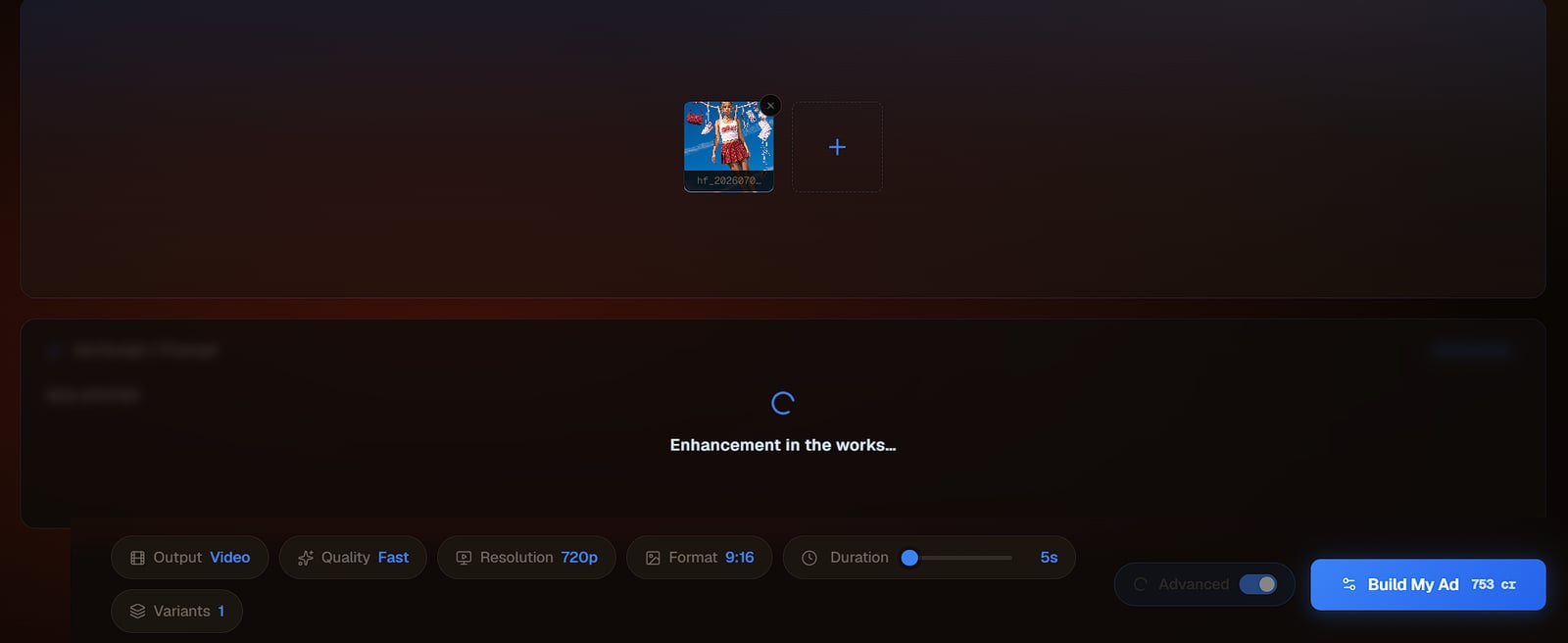
You don't have to assemble the five parts by hand. In the Adkeet editor and the Cinematic Engine Studio, type the laziest version of your idea and press Enhance — it rewrites your line into a full cinematic prompt with lighting, lens, composition and camera movement, then you tweak. It's the fastest way to a strong prompt, and a great way to learn what a good one looks like by reading what it produces.
Limitations & common mistakes
- Too vague and the output drifts; too rigid and it looks stiff — aim for specific subject + motion + camera, loose on the rest.
- Negative instructions ("no text, no logos") are hints, not guarantees — verify the result instead of trusting them.
- Prompt phrasing that works on one model may not transfer to another; treat every prompt as model-specific.
- A long prompt is not a better prompt — clarity and order beat word count.
Frequently asked questions
What is the best structure for an AI video prompt?
Describe subject, action, setting, camera and audio, in that order. Be specific about who's on screen, what they do, where they are and how the camera moves, and keep one shot to one idea.
Why do my AI videos look flat or awkward?
Usually because the prompt doesn't describe motion or camera. Add explicit cues like "slow push-in" or "handheld tracking shot" so the model knows how the shot should move.
How long should an AI video prompt be?
As long as it needs to be specific — no longer. Clarity and a consistent order matter far more than word count; overloaded prompts reduce quality.
Do I need to be good at prompting to use AI video tools?
No. Write the plain one-line version of your idea and use Enhance to expand it into a full structured prompt, then adjust from there.
Sources & further reading
- How to Write a Winning AI Video Prompt — Captions
- AI Video Prompt Guide — LTX
- How to Write Better Prompts for AI Video — Adobe Firefly
Written by
Adkeet Team · AI Creative StudioThe Adkeet team builds AI filmmaking and advertising tools — the Actor Creator and the Cinematic Engine Studio. These guides come from workflows we run inside the product every day.
Related tutorials
Put a better prompt to work
Write the one-line idea, press Enhance, and generate.